
Download BYOND – Game Development, Programming, Multiplayer Games, Game Creation, C-like Language, Community Content, Tutorials, Custom Game Worlds, Instant Access, Creative Tools
Overview
BYOND is a game development platform designed for individuals seeking to create custom games for Windows without requiring advanced technical expertise. The app serves as a comprehensive toolset for aspiring developers, enabling them to design and publish games ranging from simple 2D experiences to complex multiplayer environments. Its primary purpose is to lower the barrier to entry in game creation by offering intuitive tools and a beginner-friendly programming language that mirrors C syntax, making it accessible to those with minimal coding experience. BYOND addresses common challenges in game development such as steep learning curves, limited access to collaborative resources, and the complexity of building multiplayer functionality from scratch.
Target users include hobbyists, students, educators, and independent creators interested in exploring game design. The platform supports both solo projects and collaborative efforts, particularly through its active community, which provides peer support, shared assets, and real-time feedback. Real-world use cases include educational game design for classrooms, indie game prototypes, and community-driven multiplayer experiences. BYOND plays a notable role in the game development ecosystem by empowering non-professionals to bring their creative visions to life, fostering innovation through accessibility and community engagement.
Key Features & Functionality
- Comprehensive Tutorials: Step-by-step guides cover foundational concepts to advanced techniques, helping new users build confidence and competence. These tutorials are structured to support self-paced learning and are essential for navigating the platform’s tools and language.
- Custom Game Worlds: Users can design unique game environments using a flexible, customizable programming language. This feature supports various genres and visual styles, including 2D and isometric perspectives, allowing for diverse creative expression.
- Active Community Support: A vibrant forum network enables users to ask questions, share ideas, and receive timely assistance. This collaborative space encourages knowledge exchange and helps developers overcome obstacles.
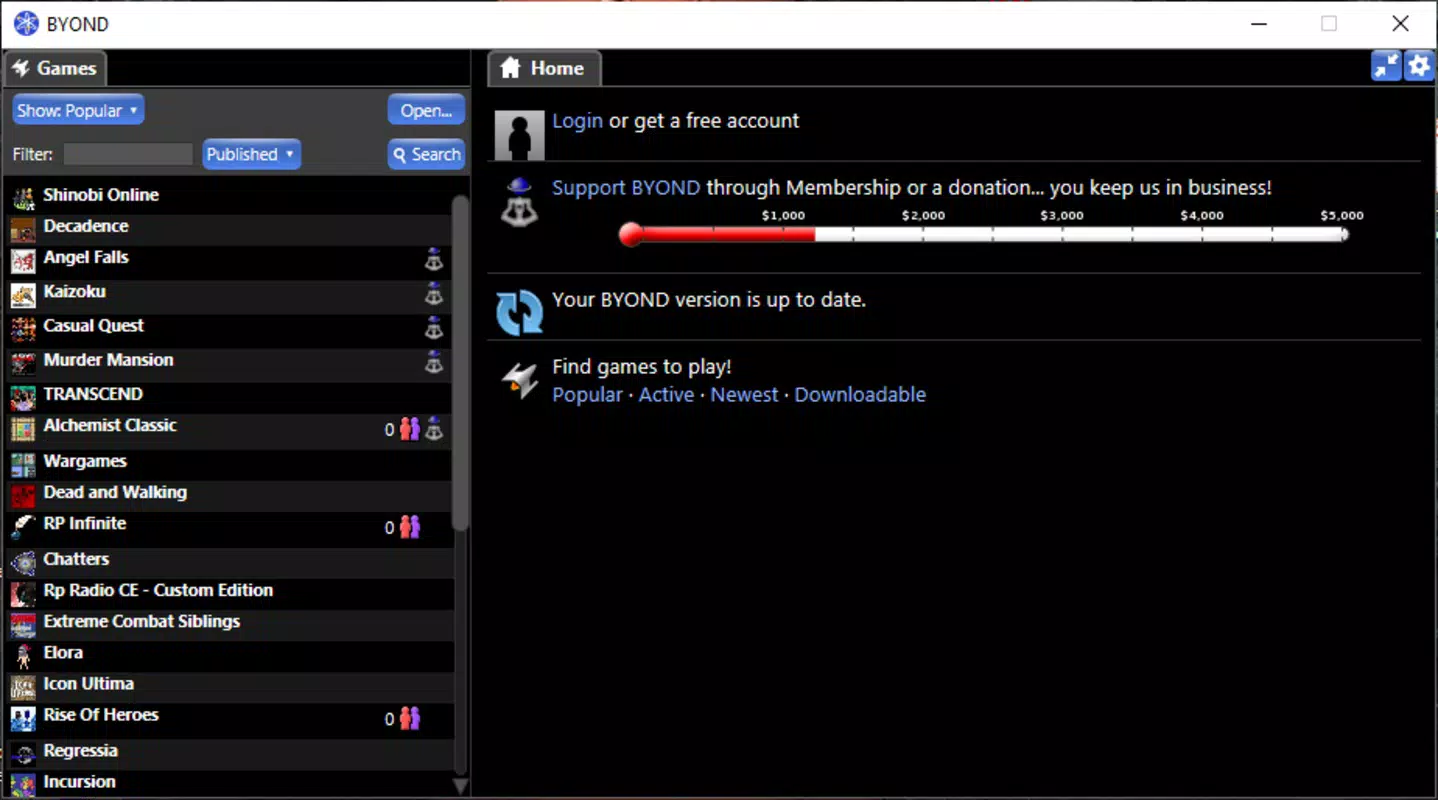
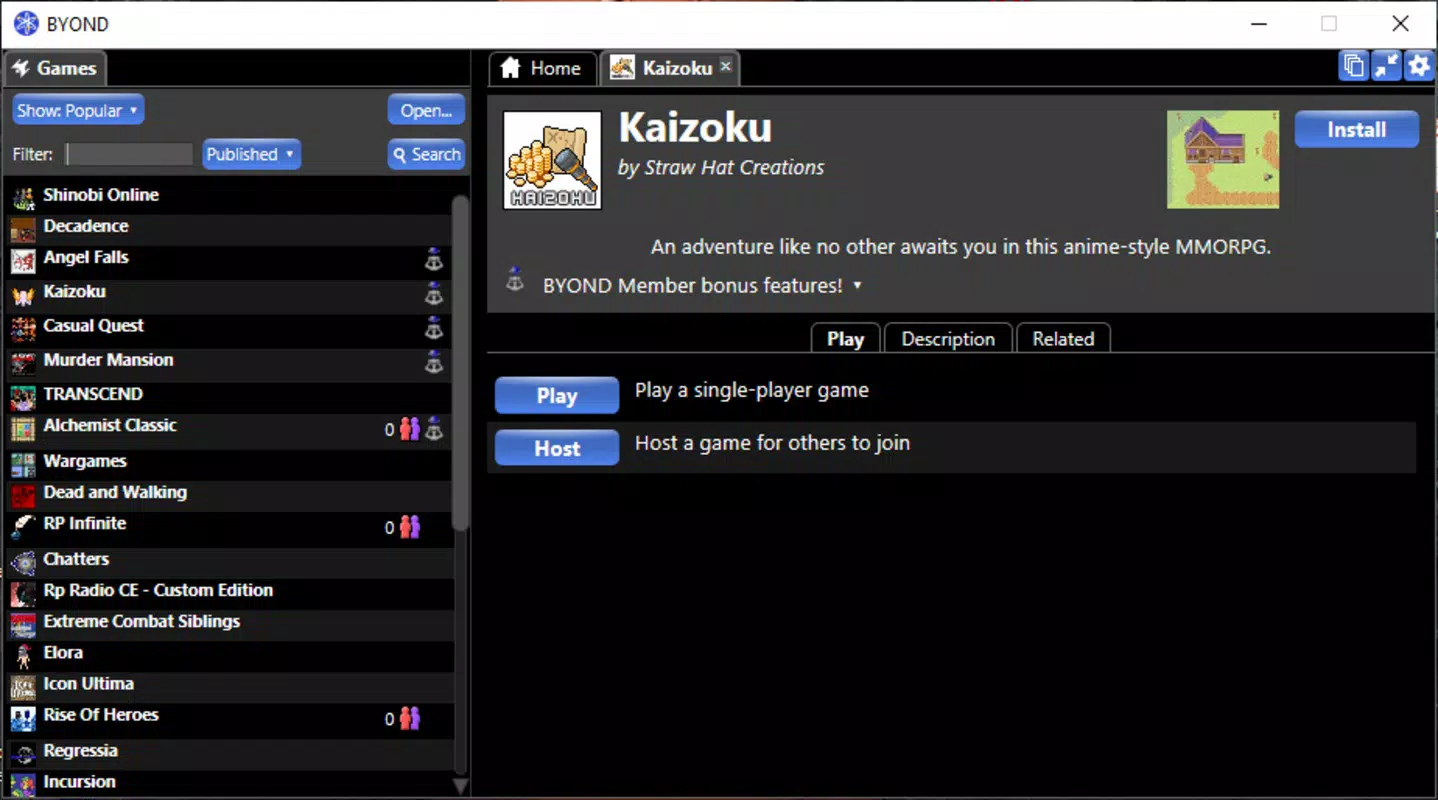
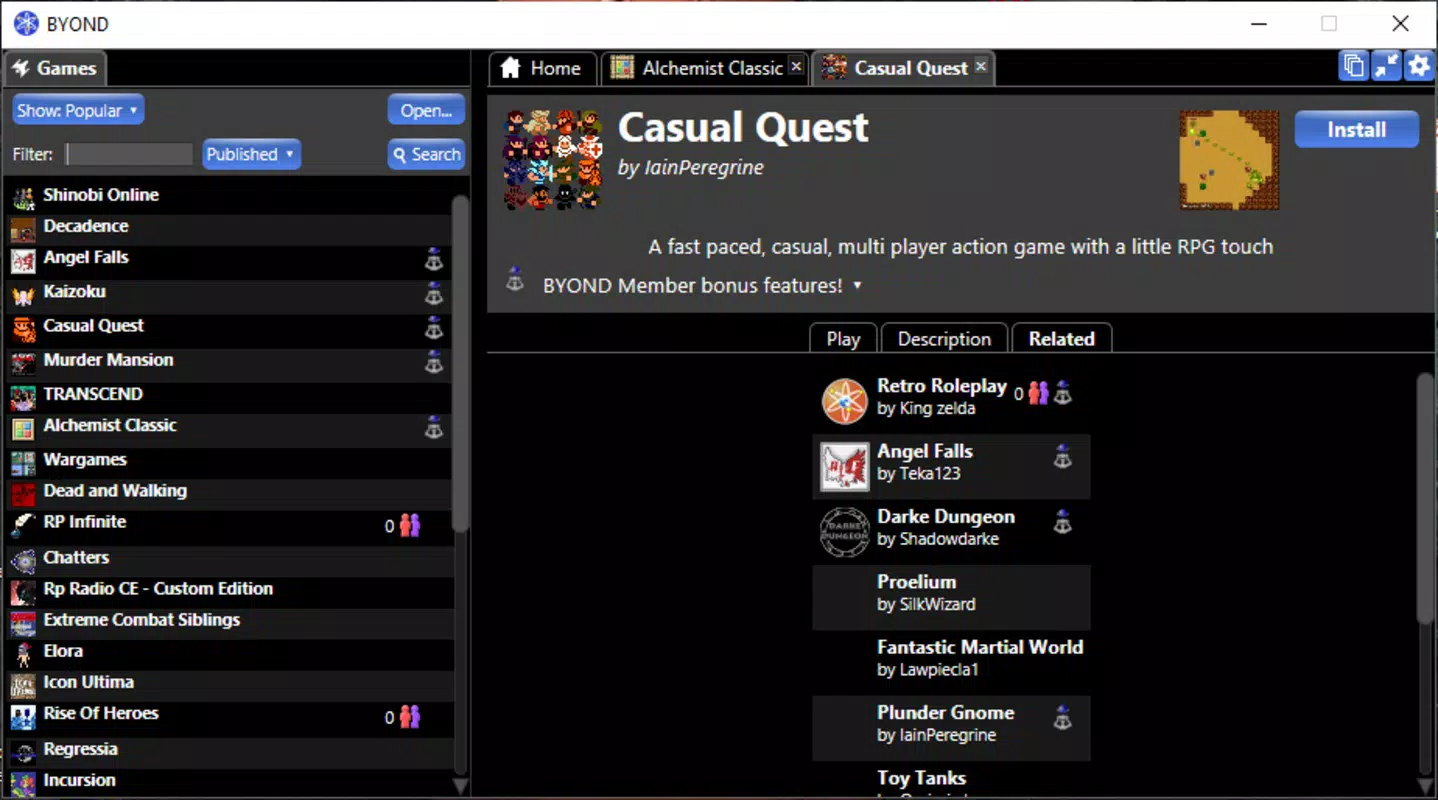
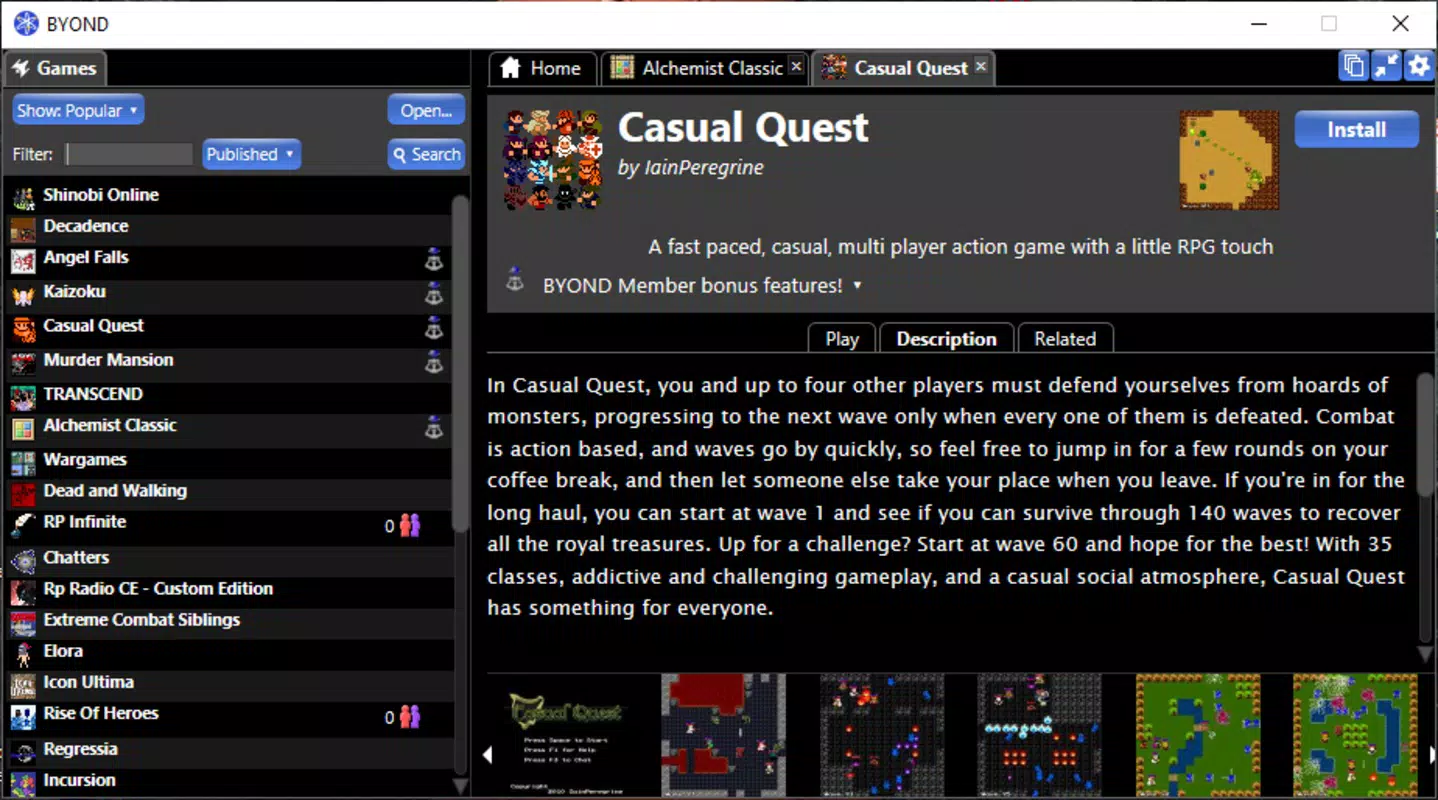
- Instant Game Access: A built-in library offers a selection of community-created games that can be launched with a single click. This feature allows users to explore different mechanics and design approaches, serving as both inspiration and educational material.
- Multiplayer Capabilities: BYOND is optimized for developing multiplayer experiences, supporting real-time interaction between players. This functionality is ideal for competitive or cooperative game designs and enhances user engagement.
For example, a student learning game design could use the tutorials to understand basic scripting, then apply that knowledge to build a simple multiplayer puzzle game. The instant access feature allows them to test existing games for design inspiration, while the community forum offers support when encountering technical issues. This integrated approach ensures a seamless transition from idea to playable prototype.
Interface, UX & Performance
BYOND features a clean, functional interface tailored for developers and creators. The layout organizes tools, code editors, and project management functions into intuitive panels, minimizing clutter and streamlining workflow. Visual design emphasizes usability over aesthetics, prioritizing clarity and accessibility. Navigation is consistent across major sections, with logical menu hierarchies and context-sensitive options that reduce the need for memorization.
Users can expect smooth operation across various Windows device categories, though the developer did not list formal performance metrics. Responsiveness is maintained during routine tasks such as code editing, scene building, and testing. Stability appears reliable based on the platform’s long-standing presence and consistent updates. Although the developer did not specify minimum OS requirements or detailed compatibility information, the app is designed to run efficiently on standard Windows systems. The 128 MB file size suggests a lightweight footprint, contributing to faster loading times and minimal resource consumption during development sessions.
Platform Compatibility & Technical Requirements
BYOND is available exclusively for Windows, making it accessible to users on desktop systems running the Windows operating system. The current version is 5.0, with a file size of 128 MB, indicating a compact and efficient installation. The app is offered at no cost, allowing unrestricted access for all users. Specific OS version requirements were not listed by the developer, nor were detailed hardware specifications provided. The developer did not specify minimum OS requirements, nor did they disclose whether the app supports older or newer Windows versions beyond general compatibility.
Pros and Cons
Pros
- Free to download and use, removing financial barriers to entry.
- Beginner-friendly programming language with C-like syntax for easier learning.
- Extensive tutorials and documentation support self-directed learning.
- Active community fosters collaboration, feedback, and shared resources.
- Instant access to a library of community-made games for inspiration and testing.
Cons
- Platform availability is limited to Windows only.
- Specific system requirements and compatibility details were not disclosed.
- No information on mobile or cross-platform support was provided.
- Developer did not list update frequency or release cycle details.
- Performance on low-end devices was not confirmed by the developer.
FAQ
Is BYOND safe to download and install?
Yes, BYOND is distributed by its official developer, BYOND, Inc., and is available through trusted channels. The app is free and does not contain known malware or harmful components.
Can I use BYOND on macOS or Linux?
The developer did not provide information on macOS or Linux compatibility. BYOND is currently confirmed to run only on Windows.
Are there regular updates for BYOND?
While the app has been updated to version 5.0, the developer did not disclose the frequency of future updates or release schedule.
Do I need prior programming experience to use BYOND?
No, BYOND is designed for users with minimal or no coding background. Its C-like language and comprehensive tutorials make it accessible to beginners.
Can I publish my games created with BYOND?
Yes, the platform supports publishing games for public access, particularly through its community network. However, specific distribution channels or hosting details were not provided.
Final Thoughts
BYOND stands out as a powerful yet accessible platform for game creation, combining educational resources, creative freedom, and collaborative support. Its C-like programming language and structured tutorials make it ideal for newcomers entering the world of game development, while its multiplayer capabilities and community-driven content offer depth for more experienced users. The free model ensures broad accessibility, and the focus on community engagement enhances the overall user experience.
While platform limitations and lack of detailed technical specs are notable, the app delivers strong value for individuals interested in building games, especially those focused on multiplayer experiences and creative experimentation. Whether for learning, prototyping, or community sharing, BYOND offers a practical and inspiring environment.
Download BYOND now


